Tablet vs Laptop: Which One Fits Your Lifestyle?
Debating tablet vs laptop? Compare portability, power, battery life, accessories, and apps to pick the device that truly fits your day-to-day.
Portability and Everyday Carry
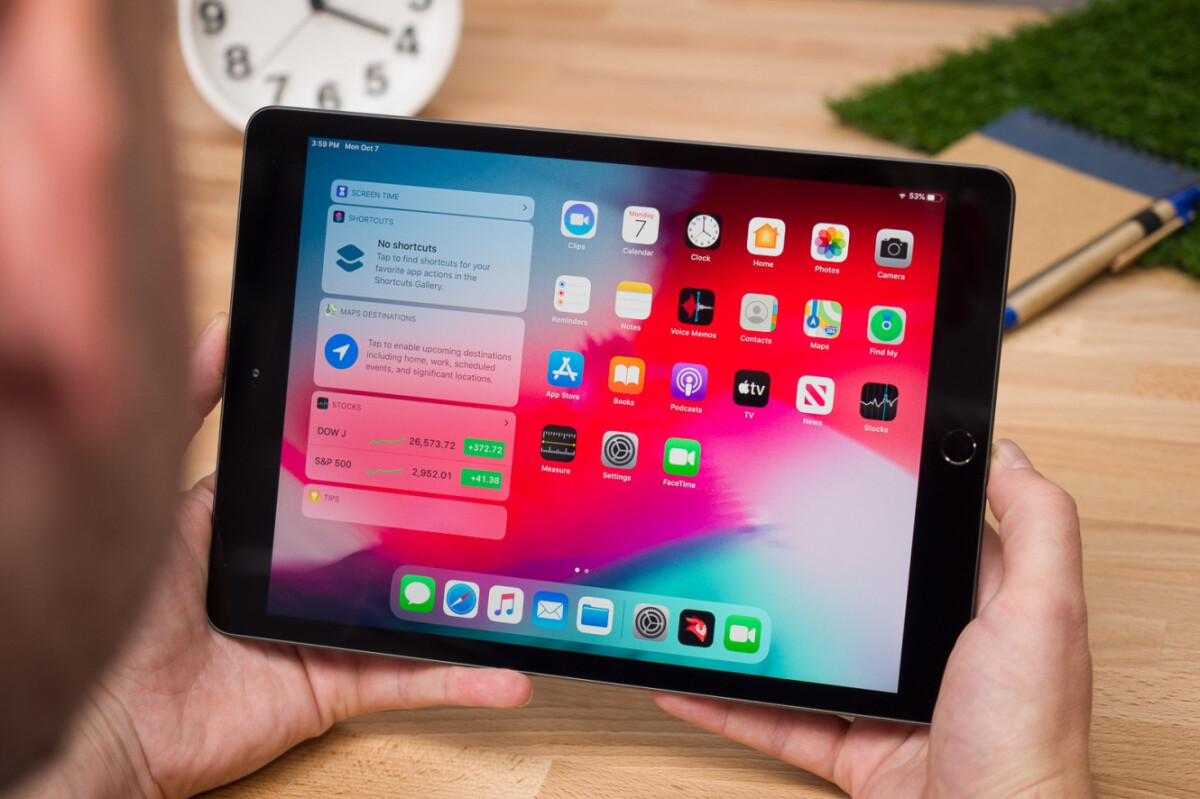
If your lifestyle prizes portability, a tablet often wins the everyday carry test. Slim profiles, light frames, and instant-on behavior make tablets ideal for commuting, quick couch sessions, or standing use while presenting or cooking. They slide into small bags and are easy to hold with one hand for reading, sketching, or mapping a route. Add a folio keyboard and the convenience grows, though the weight may creep closer to a compact laptop. Laptops still bring advantages: a sturdier hinge for lap typing, a more rigid chassis for working on a train tray, and a screen that's often easier to view outdoors due to brightness options. Ruggedness matters, too. Many laptops resist flex and protect ports, while tablets rely on cases to guard glass and corners. Consider how you move: tight spaces, short bursts of use, and frequent hand-held tasks favor tablets; longer seated sessions, more typing, and variable surfaces often favor ultraportable laptops.
Performance and Multitasking
When workloads intensify, a laptop's performance headroom shines. Active cooling, higher-wattage processors, and plentiful RAM handle heavy browsers, complex spreadsheets, code compiles, databases, virtual machines, and creative suites with large assets. Multitasking on laptops typically feels more expansive: numerous windows, virtual desktops, and desktop-class apps running simultaneously with fewer compromises. Tablets increasingly deliver impressive speed, especially in optimized creative or note-taking apps, but their mobile operating systems emphasize simplicity and battery efficiency. Split-screen views, slide-over panels, and gesture-driven switching are fast for focused tasks yet can feel constrained when juggling many parallel workflows. If your day mixes light research, reading, messaging, and occasional editing, a tablet may be delightfully responsive. If you push sustained compute, rely on advanced browser extensions, or need broad file access, a laptop's thermal headroom, memory capacity, and mature multitasking model are hard to beat. Match your device to the busiest day you expect, not the easiest.
Creation vs Consumption
Both devices excel at content consumption—streaming, reading, podcasts—but their creation strengths diverge. Tablets offer a touch-first canvas with a responsive stylus for handwritten notes, storyboarding, illustration, and markup. Low-latency pens, palm rejection, and pressure sensitivity make sketching, math annotations, and design ideation intuitive. Tablets also shine at on-the-go photo culling, light edits, and capturing scans with onboard cameras. Laptops dominate when creation demands precision input, extensive keyboard shortcuts, or complex timelines: long-form writing, multitrack audio, color-critical photo work, 3D scenes, or layered composites. Large screens and robust file systems support asset management, reference windows, and bulk exports. Consider your creative flow: if it's sketch, annotate, and iterate with quick share-outs, a tablet feels natural. If your work leans on nuanced toolsets, plugin ecosystems, and heavy renders, a laptop provides the workspace and horsepower needed to move from concept to polished deliverable efficiently.
Productivity and Workflows
Effective productivity hinges on frictionless workflows. Laptops typically provide richer file management, deeper automation, and diverse software catalogs that mirror office infrastructure. Switching between research, spreadsheets, email triage, and video calls with persistent windows is fluid. Power users benefit from macros, scripting, keyboard remapping, and extensive window management. Tablets keep things clean and focused, which is great for meetings, travel, and reading-heavy days. Modern office suites on tablets handle documents, presentations, and quick edits well, and features like optical character recognition, voice dictation, and pen markup can accelerate review cycles. Security models differ: mobile platforms often emphasize app sandboxing and simplified permissions, while laptops support granular controls, enterprise device management, and legacy tools. If your role requires specialized desktop utilities, complex databases, or multiple monitors, a laptop may fit best. If you value minimal setup, distraction-limited apps, and effortless sharing with a pen-friendly twist, a tablet streamlines the routine.
Battery, Connectivity, and I/O
Battery expectations vary by routine. Tablets generally deliver excellent battery life and standby efficiency, making them reliable for long flights and intermittent use. Laptops offer strong endurance too, especially optimized ultrabooks, but heavy tasks and bright displays drain faster under load. Charging has converged on compact adapters and USB-C for many devices, yet speeds and power budgets differ; check whether you need high-watt adapters for sustained performance. On connectivity and I/O, laptops usually provide more: multiple ports, faster external drive support, and straightforward external display setups. Tablets may require hubs for HDMI, SD cards, or Ethernet. Wireless options are robust on both, with modern Wi‑Fi and optional cellular on some tablets for always-on access. Consider webcams, speakers, and microphones: tablets often deliver clear front-facing cameras for hand-held framing, while laptops balance webcam placement with bigger speakers and noise-reduction mics. The right choice depends on whether you value simplicity and mobility or port density and peripheral flexibility.
Ergonomics and Accessories
Comfort equals productivity. Laptops offer cohesive ergonomics out of the box: a rigid deck, integrated keyboard and trackpad, and a screen that tilts to your posture. Tablets adapt through accessories. A well-designed keyboard case with a responsive trackpad transforms a tablet into a compact workstation, while a stand raises the display for better neck alignment. For extended sessions, either device benefits from an external monitor, full-size keyboard, and mouse. Stylus users should evaluate pen grip, tilt support, and nib feel; writers should consider key travel, layout, and backlighting. Fanless tablets run quiet and cool, great for laps and libraries; laptops with fans sustain performance but can introduce noise and heat under pressure. Durability and protection matter: cases, sleeves, and screen protectors reduce worry during travel. Think about your environment—desks, couches, cafes, and planes—and choose the accessory kit that turns your primary device into a comfortable, posture-friendly daily driver.
Budget, Longevity, and Decision Framework
Total value includes hardware, accessories, and time. Tablets can start affordably, but adding a high-quality keyboard, stylus, and hub may approach laptop territory. Laptops vary widely in price, with premium builds bringing stronger CPUs, more RAM, and larger SSDs. Consider total cost of ownership: storage needs (local vs cloud), app subscriptions, and potential repairs. Laptops may offer limited upgradeability (RAM or SSD in some models), aiding longevity. Tablets often rely on sealed designs, making battery replacement and storage fixed; however, they can hold strong resale value if well kept. Think about support lifespan, performance headroom, and durability over several upgrade cycles. A simple framework: choose a tablet if you prioritize light travel, pen input, and focused tasks; choose a laptop if you need sustained performance, broad software, and port flexibility. If your needs straddle both, a 2‑in‑1 or maintaining one of each—tablet for mobility, laptop for heavy lifting—can be the most adaptable path.