Smart Home Essentials That Actually Make Life Easier
From smart plugs to voice assistants, these smart home essentials cut clutter, save energy, and automate chores so you can focus on living.
Smart Lighting, Big Impact
Smart lighting is the fastest way to feel the magic of a connected home. Swap in smart bulbs or install smart switches to gain dimming, color temperature, and scheduling without pulling new wires. Pair lights with motion sensors so halls and bathrooms glow softly at night, then brighten for daytime tasks. Create scenes that set ambience for dinner, workouts, or focus time, and trigger them with voice control, a tap in your app, or a simple wall button. Use sunrise and sunset automation to match natural light, or tunable white to stay alert in the morning and unwind in the evening. Group lights by room for one-tap control and use presence simulation to make an empty home look lived in. Smart lighting also supports energy efficiency by dimming automatically and turning off when no one's around. Start with the rooms you use most and expand gradually, ensuring switches remain intuitive for guests.
Climate Control That Learns You
A smart thermostat does more than change temperature; it adapts to your habits. Combine geofencing with occupancy detection so heating or cooling eases off when the house empties and kicks back in as you return. Use zoned control with smart dampers or radiator valves to target comfort where it matters, and schedule setbacks for sleep or work hours. Many systems add humidity control and integrate air quality sensors, offering prompts to run a fan or open a window. With remote control, you can fine-tune climate from the couch or the road, while learning algorithms refine settings over time. Tie climate to scenes so a movie night lowers the temperature slightly and reduces fan noise. For savings, let energy reports highlight inefficiencies and trial small adjustments. Keep it simple at first: a few clear schedules, responsive automation, and manual overrides front and center so anyone can change setpoints without friction.
Voice Assistants as the Control Center
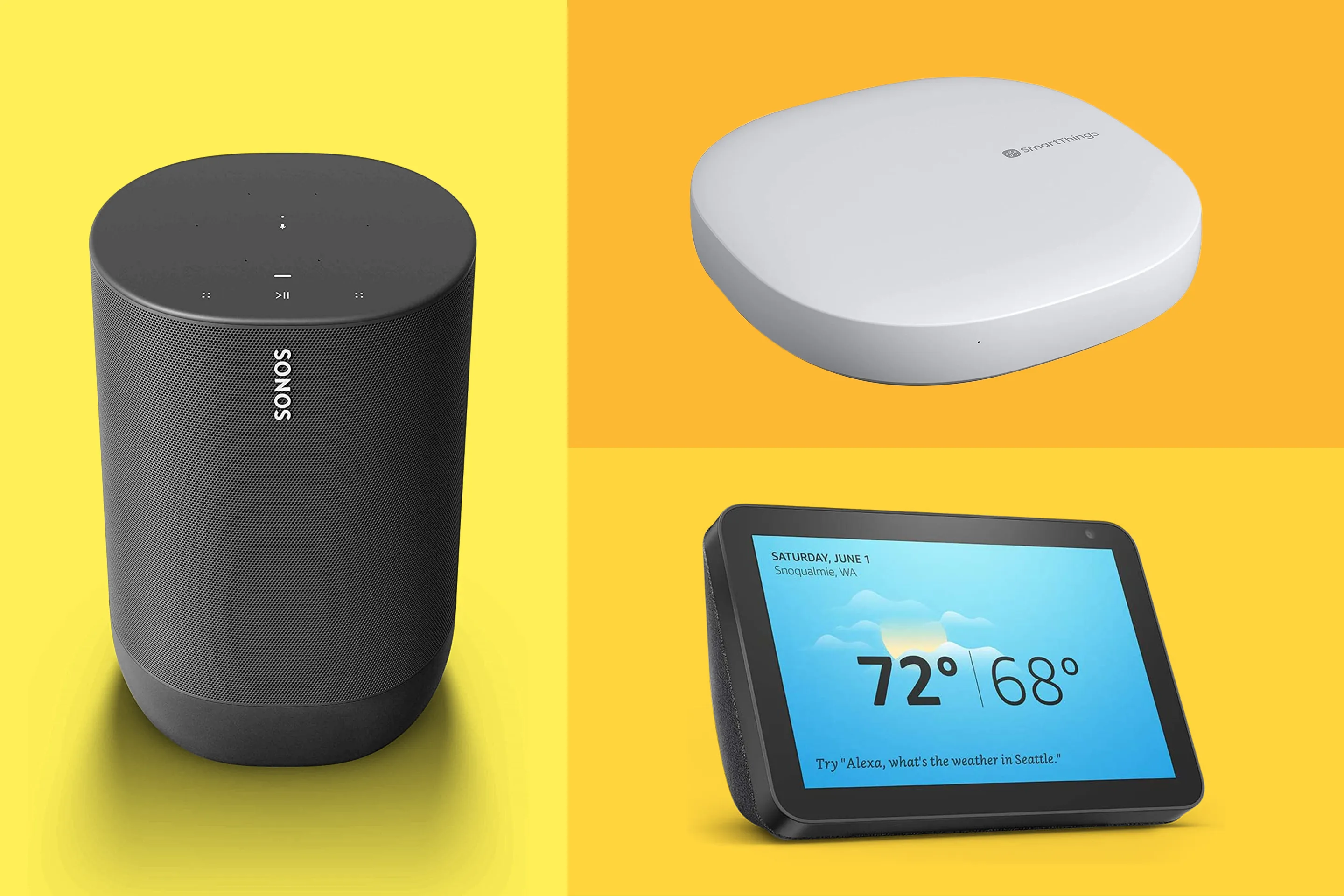
A smart speaker or display hub turns scattered gadgets into a cohesive system. Use voice control for hands-free commands when cooking, carrying groceries, or settling a fussy pet, and build routines that run multiple actions with a single phrase. A screen adds quick access to cameras, timers, and widgets, plus multi-room audio for consistent music throughout your home. Good hubs support local processing for faster, more private control, and provide simple privacy toggles like mic mute and camera shutters. Centralize everyday tasks: announce dinner with intercom features, set household reminders, and surface glanceable calendars. Look for broad device compatibility and open standards support to reduce vendor lock-in and keep options flexible. For accessibility, pair voice commands with clear buttons and labels so every guest can operate lights and locks. Treat your hub as the dashboard for automation, not the only interface, and keep physical controls available.
Security and Safety, Simplified
Thoughtful smart security protects without constant management. Start with smart locks that allow temporary codes for guests and auto-lock when you leave. Add a video doorbell for clear visits and package visibility, and place security cameras where they monitor entry points without invading private spaces. Use contact sensors on doors and windows, and set motion alerts that respect quiet hours. Enable privacy zones, local storage when available, and two-factor authentication to protect access. Tie alerts to routines so porch lights brighten on motion or a siren triggers if multiple sensors trip. Replace generic notifications with actionable ones, like a door left open or water detected under a sink via a leak sensor. Balance sensitivity to avoid false pings, and calibrate activity zones to focus on actual walkways. Finally, practice simple fail-safes: keep analog keys accessible, test batteries on critical devices, and ensure everyone knows how to arm and disarm quickly.
Smarter Power, Appliances, and Cleaning
Smart plugs make existing appliances behave like connected devices. Use them to schedule lamps, cut standby consumption, and enable energy monitoring on power-hungry gear. Set power schedules for office equipment so monitors and printers sleep when you do, and create a safety routine that kills power to a curling iron or space heater when you leave. Smart outlets and power strips help segment loads and reduce clutter. For daily convenience, trigger a coffee maker with morning automation or receive notifications when the washer finishes. A robot vacuum adds consistent upkeep: choose models with mapping, set room-based schedules, and coordinate cleaning with your away routine. Automate a quick sweep after dinner or while you walk the dog, and prompt a mop mode for high-traffic areas. Don't forget consumables and maintenance: reminders for vacuum bins, filters, and brushes keep performance top-notch. Start with one or two devices, measure benefits, then scale confidently.
Reliable Wi‑Fi and Interoperability
Great smart homes run on reliable networks. Invest in mesh Wi‑Fi to eliminate dead zones, and place nodes near open areas, not inside cabinets. Use dual-band or tri-band systems to give slower smart devices their own lane while reserving a fast lane for streaming. Name networks clearly, enable a guest network for visitors, and keep firmware updates current for security and stability. Some gadgets use Thread, Zigbee, Bluetooth, or sub‑GHz radios; a good hub or bridge unifies them and enables local automations that still work if the internet blinks. Prefer devices supporting open standards to reduce friction and simplify pairing. Label gear and keep a simple inventory with room, breaker, and reset steps. Create backups of scenes and routines when your platform allows. Above all, design for clarity: consistent naming, sensible groups, and familiar physical controls so the smart home feels intuitive for everyone, not just the tech-savvy.