Reliable Wi-Fi at Home: Picking the Right Router or Mesh
Learn when a single router is enough and when a mesh system wins, plus key features, placement tips, and setup tweaks for rock‑solid home Wi‑Fi.
Understanding Your Home Network Needs Reliable Wi‑Fi starts with clarifying what you actually require from your network. Map your space and list your devices, from laptops and phones to TVs, consoles, cameras, and smart sensors. A small apartment with line‑of‑sight rooms has very different demands than a multi‑story house with dense walls. Separate coverage (how far the signal reaches) from capacity (how many devices and how much traffic it can handle). Heavy streaming, cloud backups, and video calls push sustained throughput, while gaming and conferencing are more sensitive to latency and jitter. Compare your ISP plan to realistic Wi‑Fi performance; your fastest device near the router might still be limited by interference or older standards. Note peak hours when everyone is online, and whether you can run Ethernet to key rooms. A clear picture of location, obstacles, and usage patterns ensures you choose a system that balances speed, stability, and ease of management without overspending.
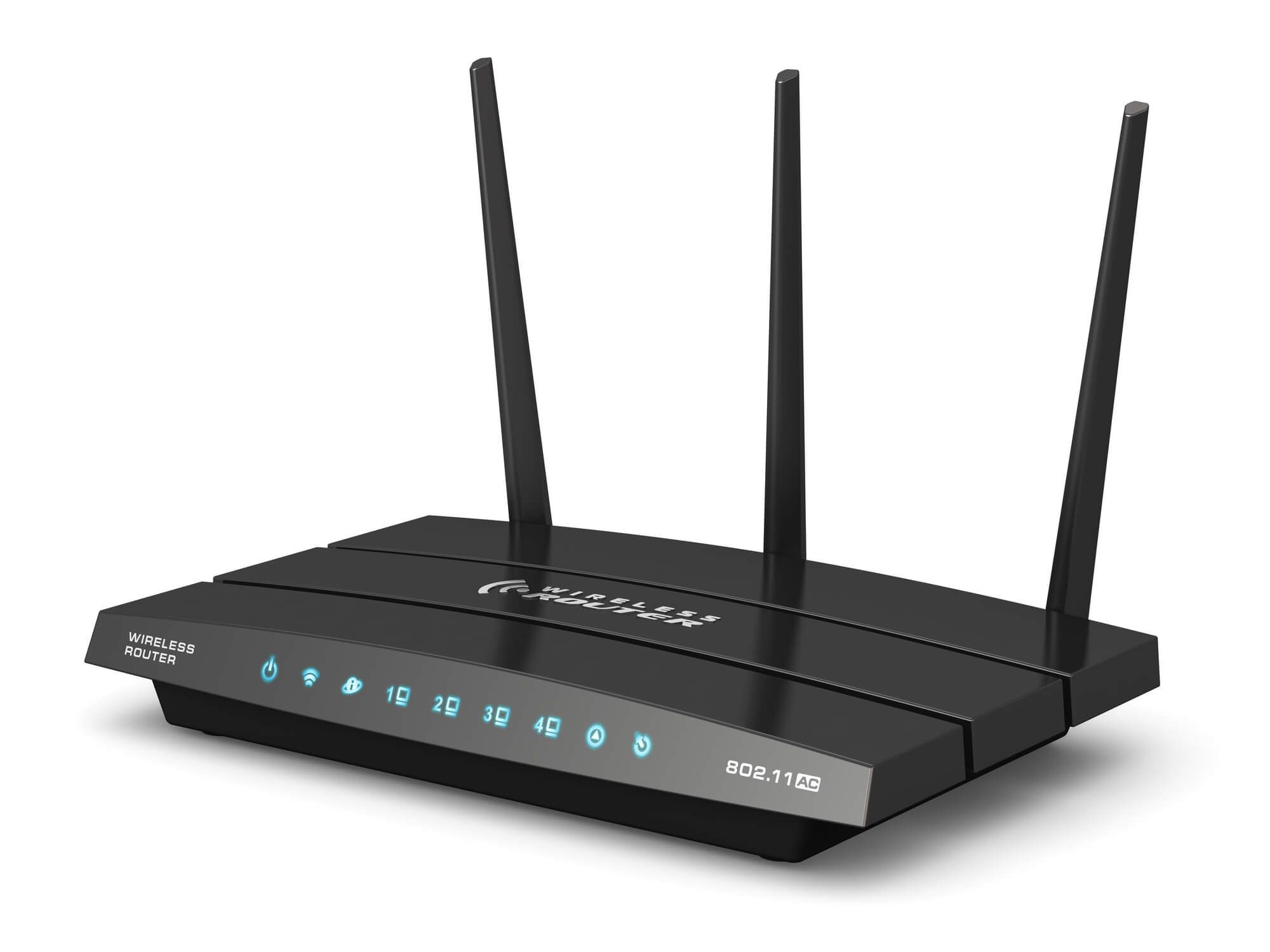
Router or Mesh: Picking the Right Topology A strong single‑router setup can be perfect for compact or open‑plan homes where one unit can reach every room. You get simpler management and often lower cost, and placement tweaks can fix dead zones. However, when walls are thick, floors multiply, or the layout sprawls, a mesh system shines by spreading multiple nodes for seamless roaming and consistent signal. Unlike basic extenders, modern mesh units use coordinated radios and unified SSIDs to reduce drops as you move. If you can wire nodes, Ethernet backhaul provides rock‑solid links; if not, tri‑band mesh keeps a dedicated radio for node‑to‑node traffic, preserving speed for clients. Consider where people actually use devices—home office, living room, backyard—and plan node locations accordingly. For small to medium spaces with few obstructions, start with a capable router; for larger or challenging layouts, mesh offers better coverage and reliability with less fuss over manual tuning.
Standards, Bands, and Performance Features Modern Wi‑Fi standards improve efficiency and concurrency, not just raw speed. Look for features such as OFDMA, MU‑MIMO, and beamforming, which help multiple devices share airtime more fairly and strengthen links at range. The 2.4 GHz band offers longer reach and wall penetration for IoT gadgets but is prone to interference; 5 GHz delivers higher throughput with shorter range; 6 GHz (when supported) brings cleaner spectrum and wide channels in compatible environments. Choose channel widths thoughtfully: wider channels can be faster but collide more in busy neighborhoods, so 20/40 MHz can outperform 80 MHz when congestion is high. Support for DFS channels can open quieter frequencies, though device compatibility varies. Ensure broad backward compatibility so older devices connect reliably while newer ones benefit from advanced features. Antenna design, radio count, and CPU power also matter for capacity. A well‑balanced router or mesh node that manages airtime intelligently typically outperforms spec‑sheet peak speeds in real homes.
Placement, Interference, and Backhaul Strategy Optimal placement is as important as the model you pick. Position the primary router or central mesh node in an open, elevated spot, away from metal cabinets, aquariums, and thick masonry that can absorb signal. Avoid clustering near microwaves, cordless phone bases, or baby monitors that create interference. In multi‑node setups, place satellites where they still see a strong signal from the previous hop, not at the very edge of coverage. If possible, run Ethernet backhaul to eliminate wireless contention; existing coax with MoCA can be a reliable alternative, while powerline is hit‑or‑miss. For wireless backhaul, tri‑band nodes with a dedicated backhaul radio maintain better client speeds. Use automatic channel selection as a baseline, but don't hesitate to test fixed channels if neighbors crowd the same spectrum. Periodically survey your environment—furniture moves, new devices appear, and neighbors change gear—to keep channels, node placement, and channel widths aligned with evolving conditions.
Security, Management, and Future‑Proofing Reliable Wi‑Fi also means safe and sustainable. Prioritize WPA3 security, timely firmware updates, and a vendor with a clear support lifecycle. Set up a guest network to isolate visitors, and consider segmenting IoT devices to reduce risk. Look for smart QoS that prioritizes calls and gaming without heavy manual tuning. Parental controls, ad or tracker blocking, and simple device pausing can make daily management easier. App‑based control is convenient, but verify you can export logs, view client details, and customize advanced settings when needed. Be mindful of privacy: choose vendors that minimize data collection and allow local management. If you share storage via USB, secure it and avoid exposing it to the internet. For budgeting, aim for a bit more capacity than you need today, not the absolute top tier. It's often smarter to buy gear that supports wired backhaul and modular expansion so you can add nodes or upgrade components as your space and device count grow.