Reliable Wi-Fi at Home: Picking the Right Router or Mesh
Struggling with dead zones or slow streaming? Learn how to choose between a powerful router and a mesh system, plus placement and setup tips.
Assess Your Space and Usage
Reliable home Wi-Fi begins with a clear picture of your environment and habits. Map your rooms, walls, and materials, noting where you actually use devices and where dead zones appear. Dense materials like brick, concrete, and metal pipes absorb signals, while mirrors and aquariums reflect and distort them, shrinking coverage. Count your devices and categorize activities: light browsing, streaming in 4K, online gaming with low latency needs, video calls, smart cameras, and IoT sensors. Each use case sets different expectations for bandwidth, stability, and range. If you work from home, prioritize reliable upload performance and consistent latency over raw peak speeds. Consider whether you can run Ethernet to one or two strategic rooms; even a single wired drop can dramatically improve overall network quality. Finally, note interference sources: neighboring networks, cordless phones, microwave ovens, and Bluetooth-heavy areas all compete for airspace. With this inventory, you'll know whether a powerful router or a distributed mesh is the smarter path.
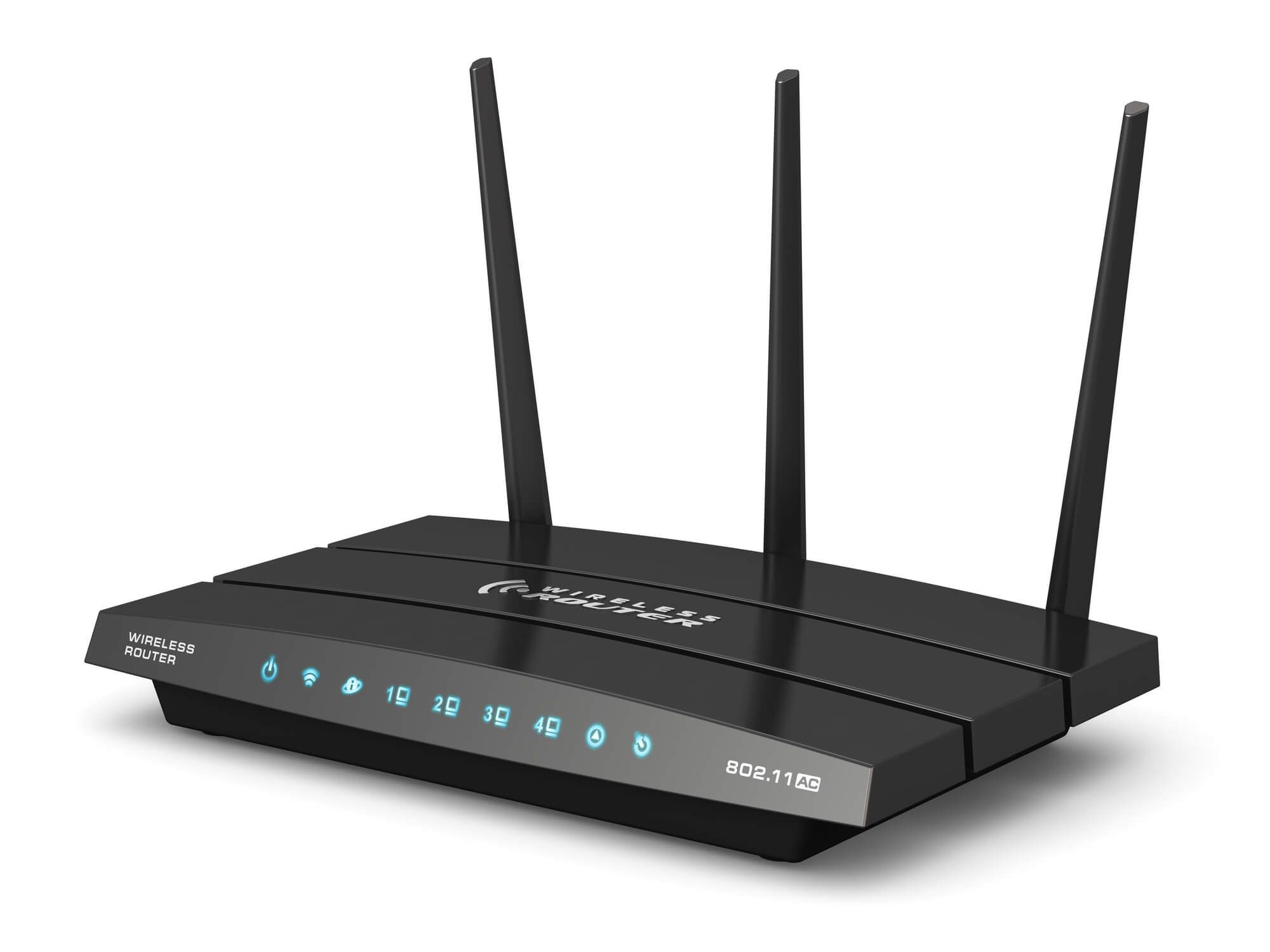
Routers vs. Mesh: What's the Difference?
A traditional router radiates from a single point, ideal for smaller homes or open plans where one strong signal can reach everyone. It's simpler, often cheaper per unit, and can deliver excellent performance when placed well. A mesh system, by contrast, uses multiple nodes to blanket your space, handing off devices as you move so you experience seamless roaming. Mesh shines in multi-story homes, long floor plans, or spaces with lots of signal-blocking materials. The quality of the backhaul—the connection between nodes—matters greatly. Systems with dedicated wireless backhaul or wired backhaul via Ethernet maintain higher speeds under load since satellites don't compete with your devices for airtime. With a single router, range extenders can help but often introduce extra hops and complexity. Mesh nodes coordinate channel use, power levels, and roaming decisions, typically providing more consistent coverage with less tinkering, especially as your device count grows.
Key Specs That Actually Matter
When comparing hardware, focus on practical features rather than marketing acronyms alone. Newer Wi-Fi standards like Wi-Fi 6 and Wi-Fi 6E improve efficiency, with OFDMA and MU-MIMO enabling many devices to share airtime more fairly. If you have compatible clients and a congested neighborhood, 6 GHz access (in Wi-Fi 6E and beyond) can offer cleaner spectrum. Look at channel width options (80/160 MHz) and how smartly the system chooses channels to avoid interference. Evaluate beamforming for stronger links to distant devices, and QoS controls that prioritize conferencing and gaming. On the wired side, Multi-Gig Ethernet (2.5GbE or higher) uplinks help if your internet plan or local transfers exceed 1 Gbps. Ample CPU/RAM in the router keeps features like intrusion prevention, WPA3 security, and parental controls responsive. For mesh, check whether nodes support wired backhaul, how many LAN ports they provide, and if the system offers cloud-free local controls for privacy and reliability.
Placement, Setup, and Optimization
Great hardware underperforms with poor placement. Center your router in the home, elevated on an open shelf, away from thick walls and electronics that radiate noise. For mesh, place nodes where your phone still sees a strong signal from the previous node; too far apart and the backhaul starves, too close and you waste capacity. Use auto channel selection to dodge neighbors, but don't be afraid to test manual channels if congestion persists. Enable band steering so dual- or tri-band devices join the best band automatically. Keep firmware updated to gain stability and security improvements. Activate a guest network to isolate visitors and smart gadgets, and use parental controls where needed without throttling critical work devices. If video calls stutter, assign priority to your laptop via QoS. Finally, validate with a simple walk test: check signal and speed at your couch, desk, and bedroom, then adjust node locations by a few feet to eliminate lingering dead zones.
When to Upgrade and How to Plan Ahead
Upgrade when your needs outgrow your setup: more devices join, coverage gaps persist, or you consistently hit buffering and lag. If your ISP speed increases or you shift to heavier streaming, gaming, or cloud backups, consider a router with Multi-Gig WAN/LAN and a mesh that supports wired backhaul where possible. Plan for scalability: choose systems that let you add mesh nodes incrementally without creating bottlenecks. If you can run Ethernet to a few rooms, you'll future‑proof your network and free wireless airtime for mobile devices. Keep the modem and router roles clear; using bridge mode on the modem or AP mode on the router avoids double NAT and simplifies troubleshooting. Prioritize platforms that receive timely security updates, support WPA3, and offer transparent controls without mandatory subscriptions. By aligning purchases with your layout, devices, and growth expectations, you'll build a resilient, efficient network that stays fast as your home evolves.