Printers Demystified: Inkjet vs Laser for Everyday Use
Confused about printers? Compare inkjet and laser for home and office—costs, print quality, speed, photos, text, and what to buy for everyday needs.
Inkjet vs. Laser Basics. Both inkjet and laser printers are designed for everyday documents, but they create images in very different ways. Inkjet models push microscopic droplets of liquid ink through nozzles onto the page, building color with tiny dots and smooth gradients. This makes them versatile across plain, matte, and glossy papers, and especially friendly to photo-centric tasks. Laser printers use an electro-photographic process: a light source charges a drum, toner particles adhere in the pattern of your page, and a fuser bonds the image to paper with heat and pressure. The result is razor-sharp text and highly uniform fills. In basic terms, inkjet favors nuanced color and flexible media; laser favors crispness, speed, and high-volume durability. Warm-up behavior differs too: many lasers heat the fuser before the first page, while inkjets typically start instantly but may run brief priming cycles. Size, noise, and duty cycle also diverge, with office-class lasers built for heavier workloads.
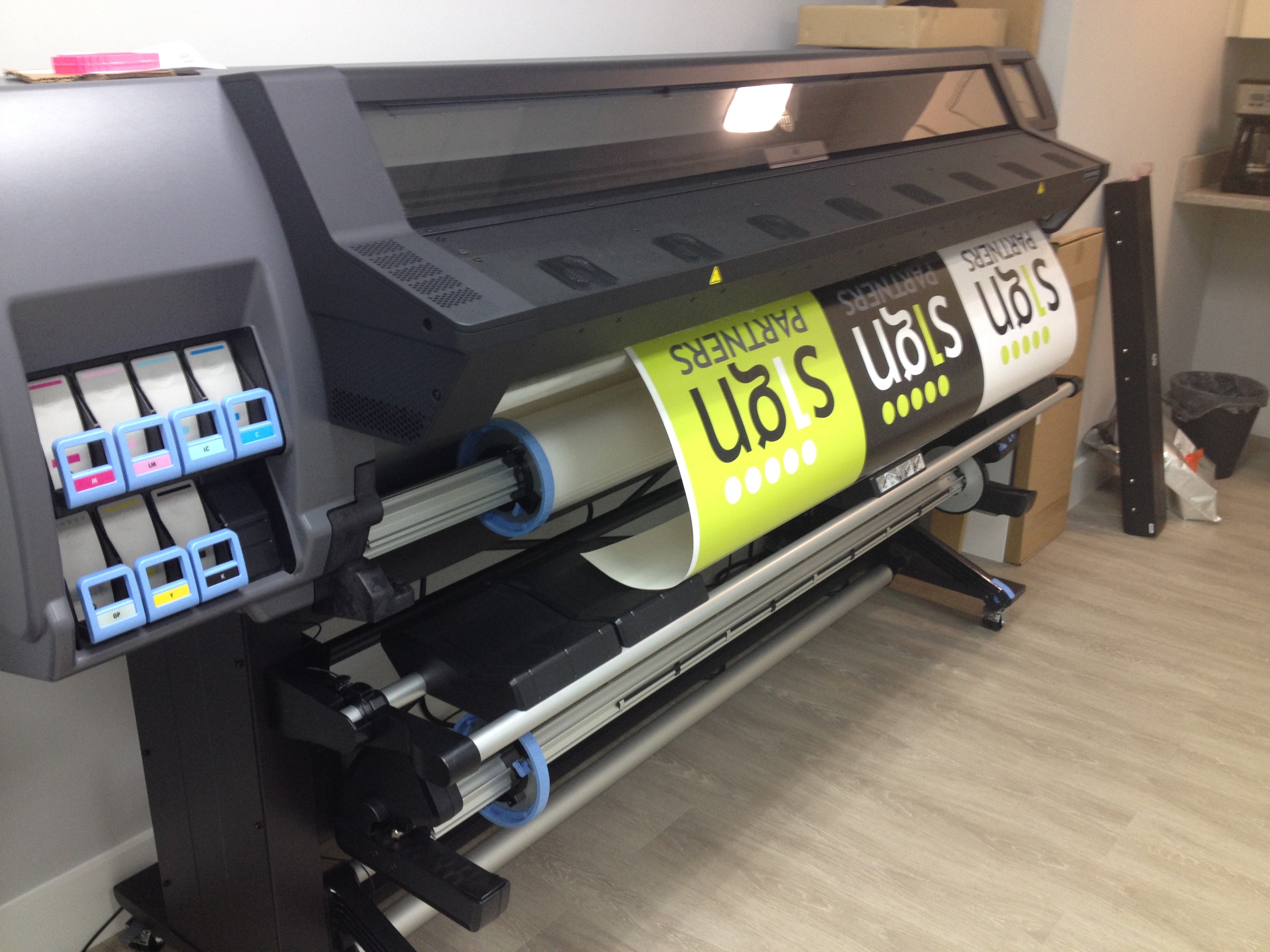
Quality and Media Handling. For text-heavy work—reports, forms, and small fonts—laser prints shine with crisp edges and consistent density, even on everyday paper. Toner sits on the surface and resists smudging from highlighters and quick handling. For color-rich tasks—photos, marketing handouts, classroom projects—inkjet technology excels at color fidelity, smooth gradients, and fine detail, especially on photo papers that absorb inks precisely. Consider the type of ink: pigment inks tend to resist water and fading better on plain paper, while dye inks can deliver lush, saturated photos on coated media. Inkjets also often support borderless printing and specialty media like stickers and cardstock. Lasers handle charts, line art, and grayscale images cleanly, producing uniform solids without banding under proper settings. If you annotate frequently or print double-sided, toner-based output typically stays cleaner, while inkjet results are excellent with the right paper choice. Matching printer to media ensures predictable quality day after day.
Costs, Yields, and Maintenance. Budgeting for a printer means looking beyond the sticker price to total cost of ownership. Track cost per page (CPP), which reflects cartridge or bottle prices and their stated page yields. Many inkjets use cartridges; some adopt ink tank systems that reduce CPP with bottled refills. Inkjets can consume ink during cleaning cycles, especially after long idle periods, which affects true CPP. Laser printers use toner that does not dry out, making them reliable for intermittent use; occasional components like drums or fusers may be replaceable depending on the model. Paper is part of the equation too: premium photo media costs more but unlocks superior results on inkjet; laser-friendly papers keep toner adhesion high and jams low. Energy use matters: lasers draw more during fusing, while inkjets are generally frugal except during maintenance. Duplex printing reduces paper costs; draft modes save supplies. Choose the supply system that aligns with your print volume and your tolerance for maintenance.
Speed, Convenience, and Daily Workflow. If you print frequently and in batches, laser devices typically lead in ppm for long runs, sustaining speed and consistent output. Their first-page-out time can be slightly longer due to fuser warm-up, but once running they power through queues. Inkjet printers are often quick to start and sufficiently fast for home or student workloads, especially for mixed text-and-photo pages. Connectivity and features shape the everyday experience: look for Wi‑Fi, reliable drivers, and straightforward mobile printing to send jobs from phones or shared laptops. Multifunction models add a scanner, copier, and sometimes fax; an ADF and duplex scanning streamline paperwork. Noise and footprint differ: compact inkjets fit shelves, while workhorse lasers occupy more space but stay stable under heavy use. Paper handling—input capacity, secondary trays, and straight-through paths for thick media—can make or break daily convenience. Favor a model whose controls and status feedback keep the household or small office on track.
Smart Buying Checklist. Start with purpose: Do you print mostly text, mixed documents, or photos? Is color essential or is a monochrome laser sufficient? Estimate monthly volume to align with the duty cycle, then compare CPP using realistic yields. Prioritize features: duplex printing, dpi resolution appropriate for your work, an ADF for scanning stacks, and enough paper capacity to avoid constant refills. If you craft or create marketing pieces, consider an inkjet with strong photo capability and support for specialty media; if you churn through reports, a laser with fast warm-up and robust trays is ideal. Evaluate maintenance: availability of cartridges or bottles, recycling options, and any user-replaceable parts. Check security and admin tools if you share the printer on a network. Finally, consider energy use, noise, and placement. In short, pick inkjet for vivid color and media flexibility at modest volumes, and laser for crisp text, speed, and predictable costs when volume rises.