Monitor Buying Guide: Resolution, Refresh Rate, and Panel Types Explained
Confused by monitor specs? Learn how resolution affects sharpness, why refresh rate and response time matter, and how IPS, VA, and TN panels compare.
Resolution and Pixel Density
Choosing a monitor starts with understanding resolution and pixel density (PPI). Resolution describes how many pixels the panel displays, while PPI measures how tightly those pixels are packed at a given screen size. A higher PPI yields crisper text and finer detail, which is especially noticeable in spreadsheets, code, and photo editing. Popular choices include Full HD (1080p) for budget setups, QHD (1440p) for balanced clarity, and UHD/4K for razor-sharp visuals and spacious desktops. Consider aspect ratio too: standard 16:9 fits most content, while ultrawide options provide extra horizontal room for timelines, side-by-side windows, or immersive gaming. More pixels demand more graphics performance and can increase power use, so pair resolution with a capable GPU and appropriate settings. Also factor in scaling on higher-PPI monitors to keep interface elements readable. If you multitask heavily, a larger display with higher resolution or an ultrawide can reduce window juggling, streamline workflows, and deliver a more comfortable computers and consumer electronics experience.
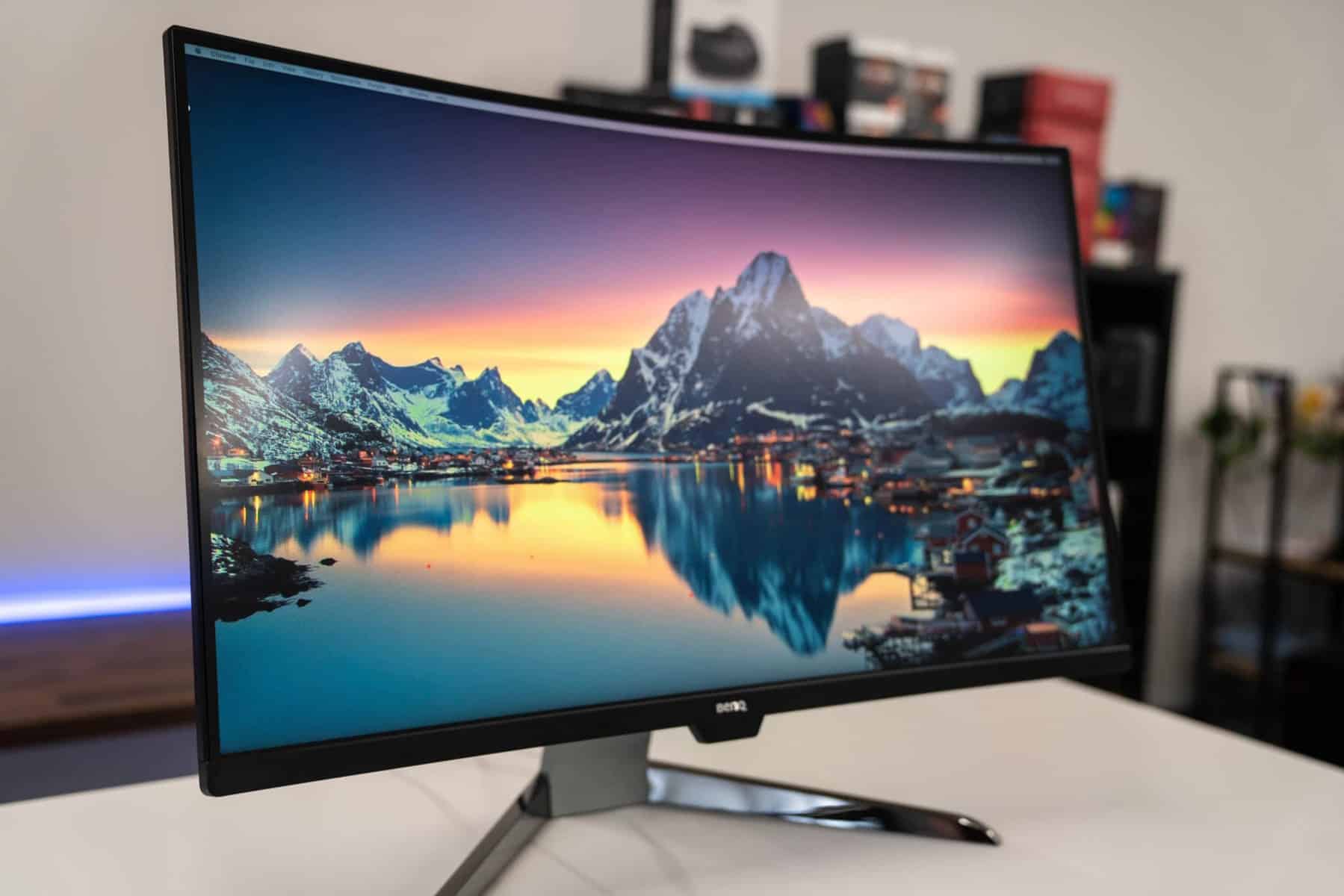
Refresh Rate, Response, and Motion Clarity
A monitor's refresh rate, measured in hertz (Hz), describes how many times per second it updates the image. Higher rates like 120 Hz, 144 Hz, or beyond deliver smoother motion for fast-paced gaming, sports, and snappy desktop interactions. Equally important is response time, often listed as GtG (gray-to-gray) or MPRT (moving picture response time). Lower response times reduce motion blur and ghosting, improving clarity during rapid transitions. Look for well-tuned overdrive settings to minimize trailing without introducing inverse ghosting. Variable refresh rate (VRR) technologies synchronize the monitor with your graphics output to reduce tearing and stutter, enhancing fluidity when frame rates fluctuate. Some displays offer backlight strobing for sharper motion at the cost of brightness and potential flicker. For productivity and media, 60 Hz remains serviceable, but once you experience higher refresh rates, the improved responsiveness can make everyday tasks feel more immediate. Balance refresh rate with resolution and GPU capability to achieve stable performance without overspending.
Panel Technologies Demystified
Different panel types prioritize different strengths. IPS panels are known for excellent viewing angles and consistent color accuracy, making them a go-to for creative work and general use. VA panels typically offer higher contrast ratios, producing deeper blacks for movies and games, though some models exhibit slower dark-level transitions that can cause mild smearing. TN panels prioritize speed and cost, with fast response times and competitive pricing, but they compromise on color and viewing angles. Premium options include OLED, which delivers near-instant pixel response, self-emissive pixels for true blacks, and striking contrast; be mindful of static content and brightness management features designed to mitigate image retention. Meanwhile, Mini-LED LCDs use dense local dimming zones to boost HDR performance and reduce blooming, approaching OLED-like contrast with higher sustained brightness. Consider your use case: IPS for accuracy and versatility, VA for contrast-rich cinema and gaming, TN for budget esports, and OLED or Mini-LED for top-tier image quality.
Color, HDR, and Image Quality Essentials
If your work or passion involves imagery, focus on color accuracy and gamut coverage. Look for monitors that cover sRGB for web content, DCI-P3 for video and modern media, or Adobe RGB for print workflows. Factory calibration and a low Delta E improve consistency out of the box, while access to hardware or software calibration ensures reliable results over time. Bit depth matters too: true 10-bit panels or well-implemented 8-bit + FRC can produce smoother gradients with fewer banding artifacts. For HDR, consider peak brightness, the number and quality of local dimming zones, and accurate tone mapping. Without sufficient brightness and contrast control, HDR may look unimpressive, so prioritize panels with strong black levels, tight dimming control, and wide gamut support. Uniformity, gamma, and white point stability also shape perceived quality. A well-tuned display preserves shadow detail, avoids crushed highlights, and keeps colors consistent across the screen, elevating both creative work and entertainment.
Connectivity, Ergonomics, and Smart Features
Modern monitors double as connectivity hubs. Common ports include HDMI and DisplayPort for high-resolution, high-refresh signaling; USB-C with DisplayPort Alt Mode for single-cable video plus Power Delivery to charge laptops; and sometimes Thunderbolt for daisy-chaining and fast data. Ensure the port bandwidth supports your target resolution and refresh rate, and use certified cables to maintain signal integrity. Productivity perks can include a built-in USB hub, KVM switch to control multiple systems with one keyboard and mouse, and integrated speakers for simple audio. Comfort matters: seek robust ergonomics with height, tilt, swivel, and pivot adjustments, or use VESA mounting arms. For eye comfort, look for flicker-free backlights, low blue light modes, and effective anti-glare coatings. On-screen display controls, joystick navigation, and software-based management make adjustments quick. These details add up to a smoother daily experience, cleaner desk setup, and fewer adapters and cables.
Matching Specs to Your Use Case and Budget
Translate specs into benefits by aligning them with how you work and play. For gaming, prioritize a higher refresh rate, low response time, and VRR support; pair QHD with mid-to-high performance GPUs or opt for 4K if your system can sustain it. For creative professionals, favor accurate IPS or OLED panels with wide gamut coverage, stable uniformity, and calibration options, ideally at larger sizes or higher resolutions for finer control. For productivity, a sharp QHD or 4K monitor, or an ultrawide, can reduce app switching and improve focus. If you connect a laptop, a USB-C monitor with adequate Power Delivery simplifies your desk. Budget wisely: a balanced midrange display often delivers better real-world value than chasing a single headline spec. Consider desk depth for comfortable viewing distance, future GPU upgrades, and whether multi-monitor or a single larger panel fits your workflow. With a clear use case, you can buy confidently and enjoy a satisfying, long-lasting setup.